
Using the Gateway · Chapter 9
Main features
These are the day-to-day functions: start the signal, define input and output, and watch the result.
Signal control
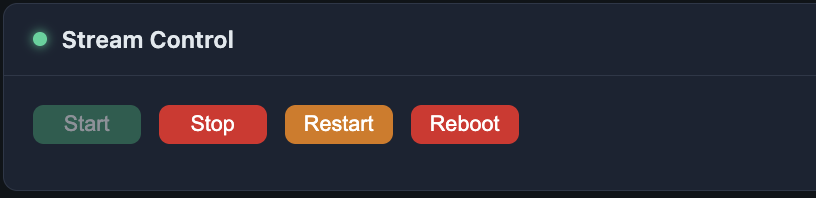
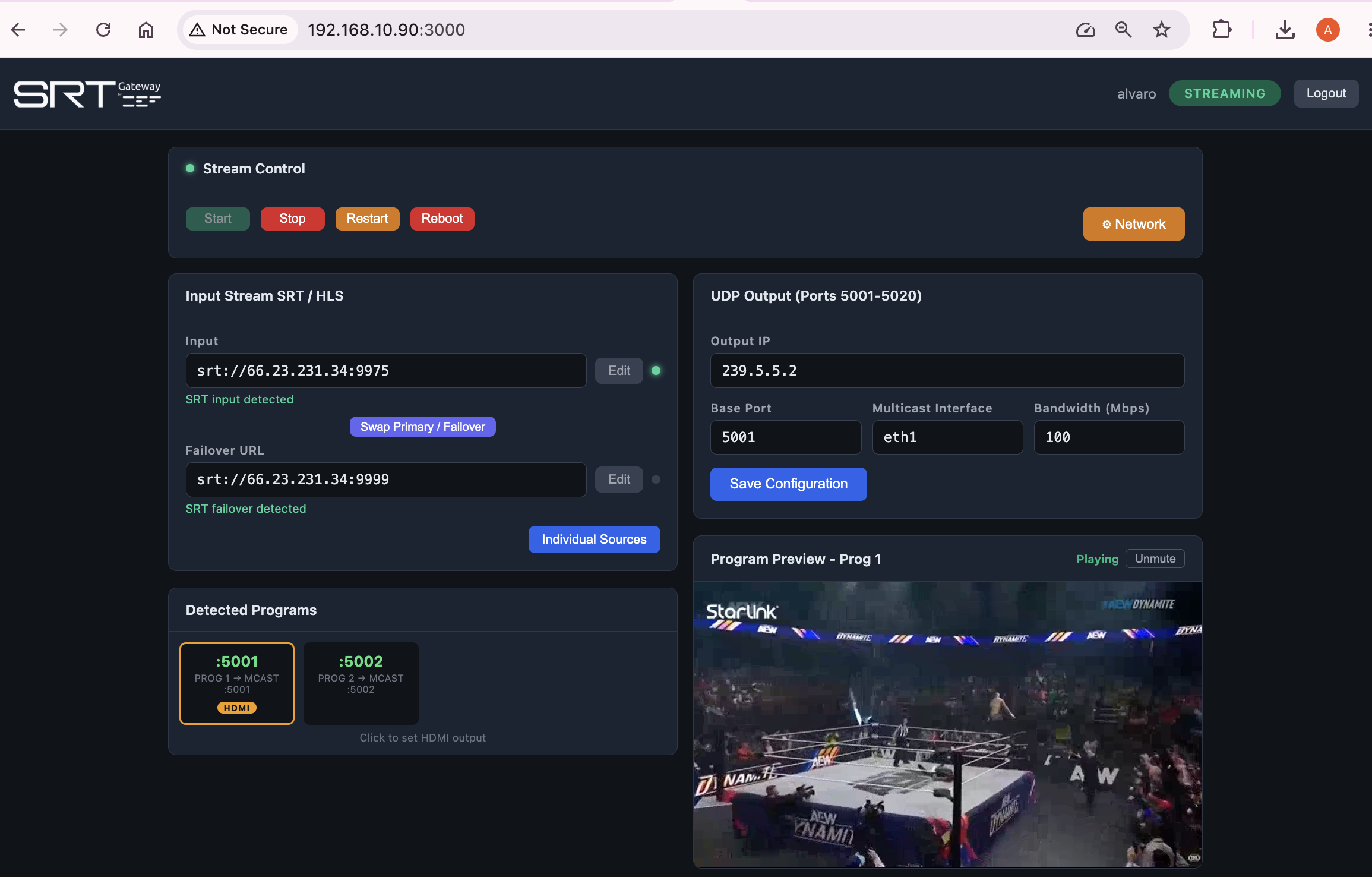
Four buttons govern the device:
- Start — starts all streams.
- Stop — stops all streams.
- Restart — restarts the signals without rebooting the device.
- Reboot — restarts the whole device.
Signal input
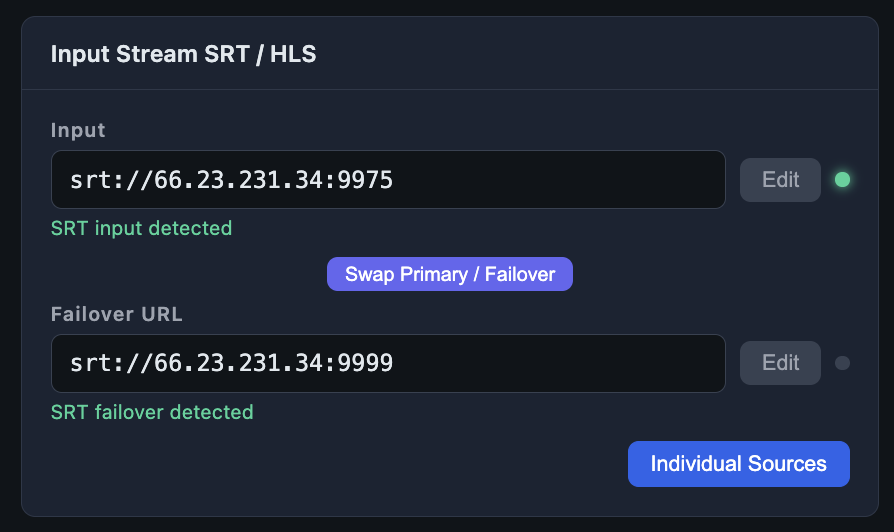
Here you define the source signal — SRT MPTS or HLS. Press Edit to type or change the SRT or HLS address. When the device receives the signal, «SRT input detected» appears in green.
You can also define a failover URL: if the primary one fails, the device switches to it. The «Swap» button exchanges primary and backup. The «Individual Sources» option is covered in chapter 10.
UDP output
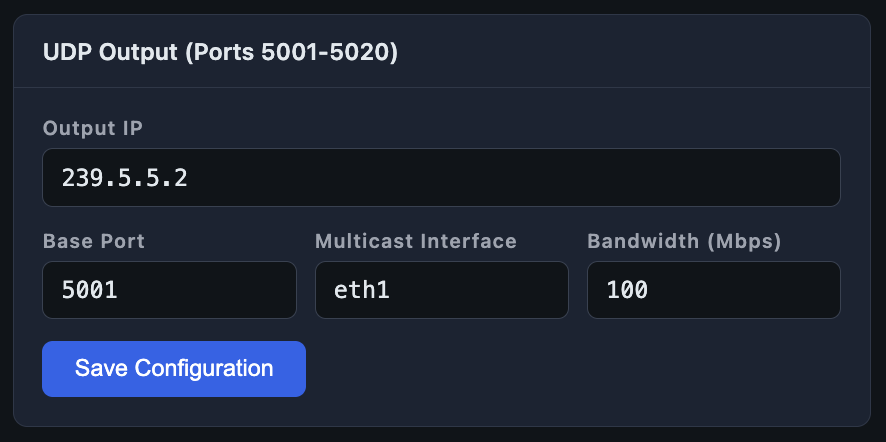
Configures the IP delivery address for UDP streams on your local network: the output address (multicast / unicast), the base port; you can also view the distribution network interface and adjust the bandwidth used for monitoring calculations. Press Save Configuration to save the changes.
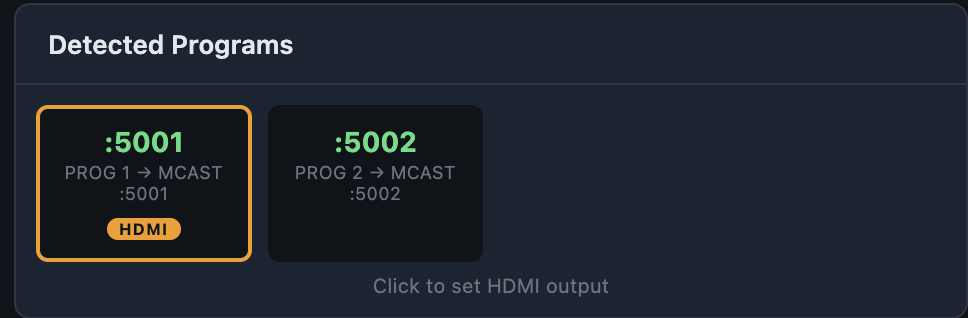
Detected Programs
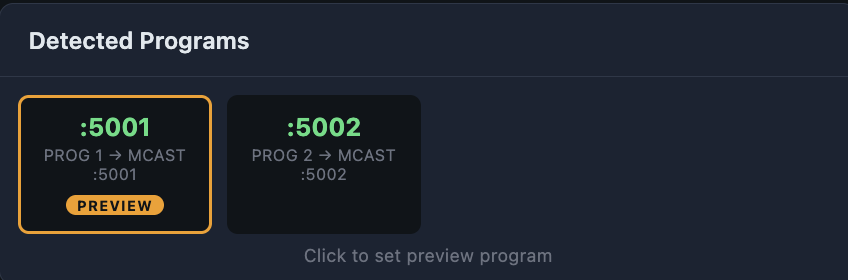
Shows the programs each active stream contains and lists them visually. Clicking changes what is shown in the preview monitor and the HDMI output (if available); if the program is not H.264 / AAC, it will not show on the HDMI output but it will on the Preview monitor. If the codec is not HDMI-compatible, a notice appears on the HDMI output indicating the codec is not supported.
Program Preview
The preview shows the live video inside the browser, with no external player needed. It is the quick way to confirm that a stream's program is active.
With this you can run the device day to day. Chapter 10 covers the advanced functions.