
Getting started · Chapter 2
What you need before you start
To get started, gather the following.
The device
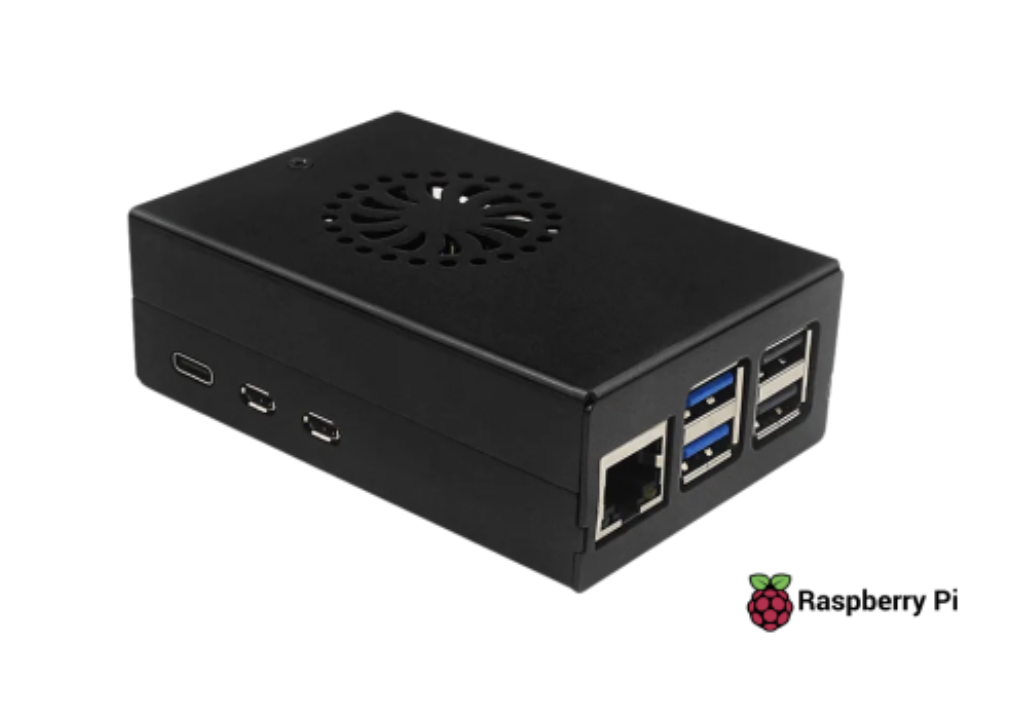
- A Raspberry Pi 5 or Raspberry Pi 4.
- Its official power supply.
- A microSD card of at least 32 GB.
Cables and network
- A network cable for the eth0 port (management and internet).
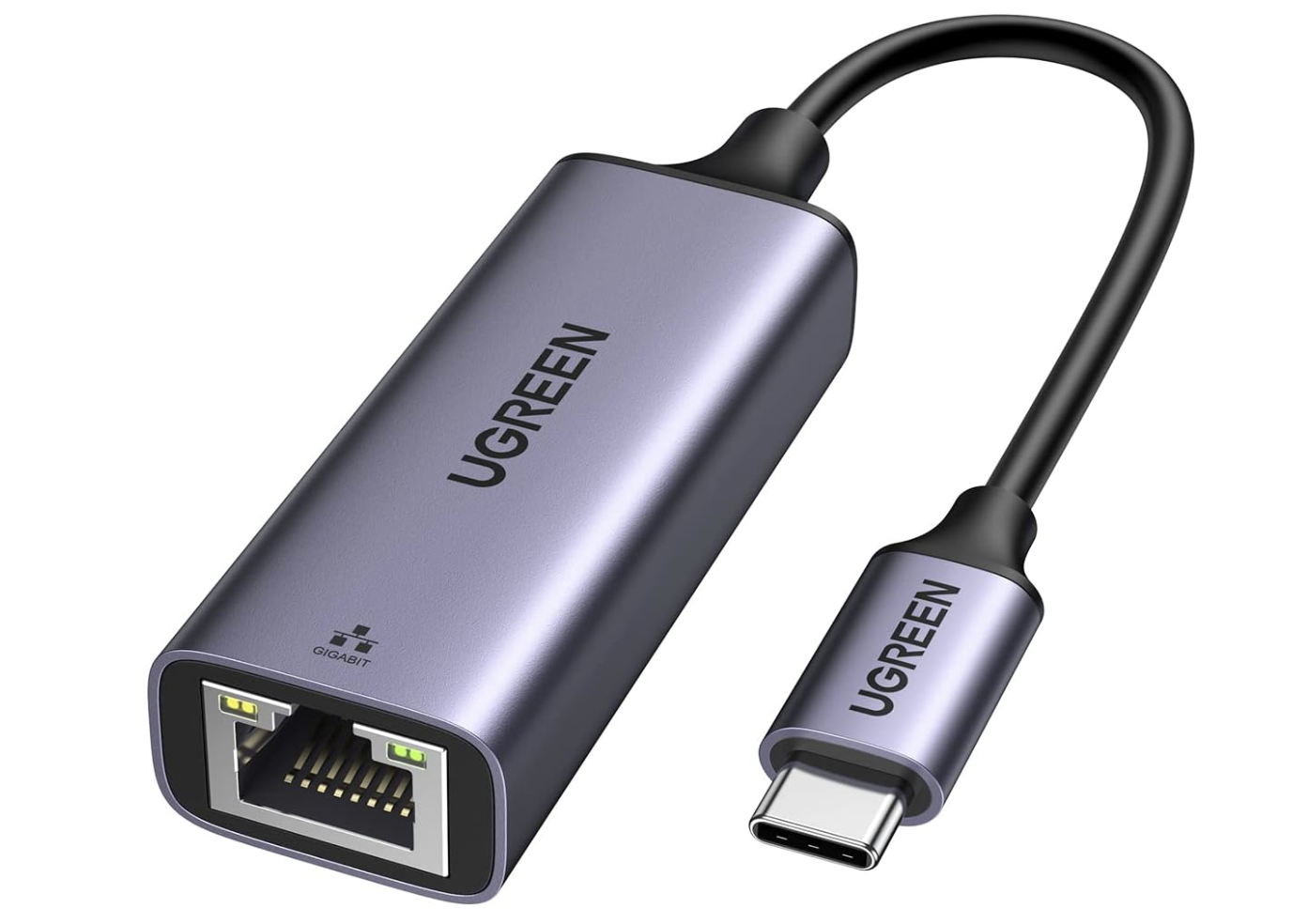
- For multicast distribution: a USB-Ethernet adapter for eth1. For video output to a monitor, a micro-HDMI to HDMI cable.
- Internet access on the management network.
To prepare and install
- A computer (Windows, Mac or Linux) to load the operating system onto the card and connect to the device.
- An HDMI monitor to watch the boot, see the result and the IP address it uses on the local management network.
The license
The device needs an active license to operate, as well as a registered username and password. You can install the Gateway on the Raspberry, take the device MAC Address (Eth0) and request the license, or take the MAC Address, request the license and install the Gateway afterwards.
Raspberry Pi 4 and Pi 5
Both models are supported. The difference: the Pi 5 has an HDMI output in H.264 / AAC; the Pi 4 has no HDMI output — the display is the browser preview.